
Shipping AI to Prod in 7 Days
10/15/2025 • RiseGravity Team
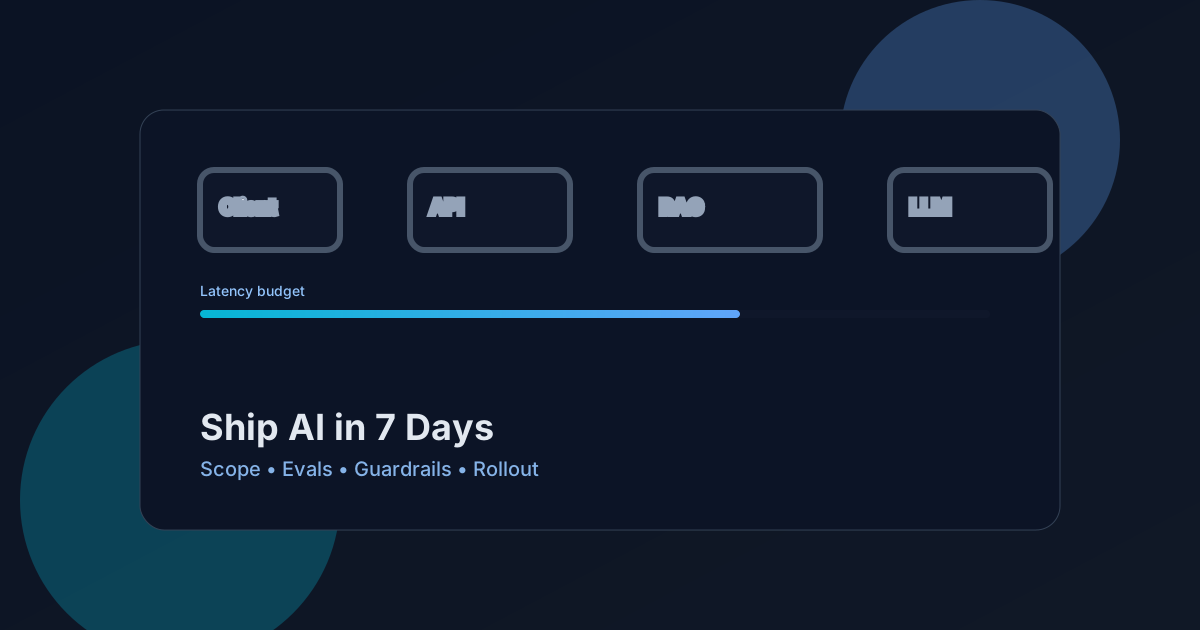
From concept to production
Shipping AI to production fast is less about hype and more about disciplined scope, ruthless focus, and great guardrails. Here’s a proven, one‑week plan we use to launch reliable AI features that users love—without compromising safety, latency, or costs.
TL;DR
- Start narrow, measure everything, ship behind flags, iterate with real data.
- Treat AI like any other production system: SLOs, budgets, fallbacks, and evaluations.
- Own the UX. The best AI ships when the interface makes success obvious.
What worked
- Clear success metrics from day one (task success, p95 latency, cost/session)
- Tight feedback loops with real users (pilot cohort + session replays)
- Guardrails for safety, latency, and cost (SLOs, fallbacks, spend caps)
7‑Day Blueprint
Day 0–1: Problem & Scope — Define a single user story (who/what/when). Write success criteria and non‑goals. Select model family (e.g., GPT‑4o for reasoning; small instruct for low‑latency paths). Draft SLOs: p95 < 1.5s, accuracy > X on eval set, <$Y per 100 tasks.
Day 2: Data & Eval Harness — Collect 30–100 real examples + expected outputs (including edge cases). Build an automatic evaluation harness (exact/semantic, rule checks, red‑flag detectors).
Day 3: Prototype (Vertical Slice) — Implement minimal end‑to‑end: prompt, (optional) RAG, tool calls, output shaping. Add structured logs: prompt+vars hash, token usage, latency, model version, user outcome.
Day 4: Safety & Cost Controls — Input/output sanitization, PII filters, jailbreak prevention, profanity/brand checks. Set cost caps and concurrency limits; cache high‑value sub‑steps.
Day 5: UX & Fallbacks — Inline results with clear affordances. Show confidence and provide one‑click “Improve” loop. Add fast fallback (smaller model / pre‑computed answer) when SLOs are exceeded.
Day 6: Dark Launch — Ship behind a feature flag. Enable for internal + pilot users only. Compare eval + real‑traffic metrics. Fix the top 3 issues.
Day 7: Rollout & Announce — Expand cohort. Add documentation and in‑product tips. Monitor SLO dashboards; iterate prompts and retrieval.
Architecture & Tooling
- Model provider: OpenAI (GPT‑4o/GPT‑4o‑mini) for reasoning; small instruct for quick passes
- Retrieval (RAG): semantic search over curated sources; citations linked in UI
- Orchestration: n8n or a lightweight in‑app pipeline with retries + backoff
- Observability: token/latency budgets, cost per session, outcome labeling, eval regression tests
Client → API (guardrails) → Retrieval (vector/db) → LLM (tools/prompts) → Output shaping → UI
                                  ↘ logs/metrics/evals ↙
Evaluations that matter
- Functional: exact/semantic match to references; rule-based correctness checks
- Safety: PII leaks, brand/jailbreak filters, blocked content ratio
- UX: time‑to‑first‑value, edit rate, follow‑up rate
- Cost/Perf: tokens per task, p95, cache hit rate, retries
Production guardrails you should copy
- Timeouts + circuit breakers on third‑party calls
- Idempotency keys for user‑initiated actions
- Prompt templates as versioned assets (A/B safely)
- Feature flags, per‑tenant limits, and per‑route spend caps
Common pitfalls (and fixes)
- “Works on 10 examples, fails in prod” → Add a labeled eval set; run on every change
- “Latency spikes during demo” → Pre‑warm, add caches and progressive disclosure UI
- “Costs creep up” → Track spend/user; cap retries; use smaller models on easy paths
- “Answers drift” → Freeze prompt versions; run nightly regression evals
If you want us to help ship an AI feature safely in a week, reach out at contact@risegravity.com or see recent work on our Projects.